
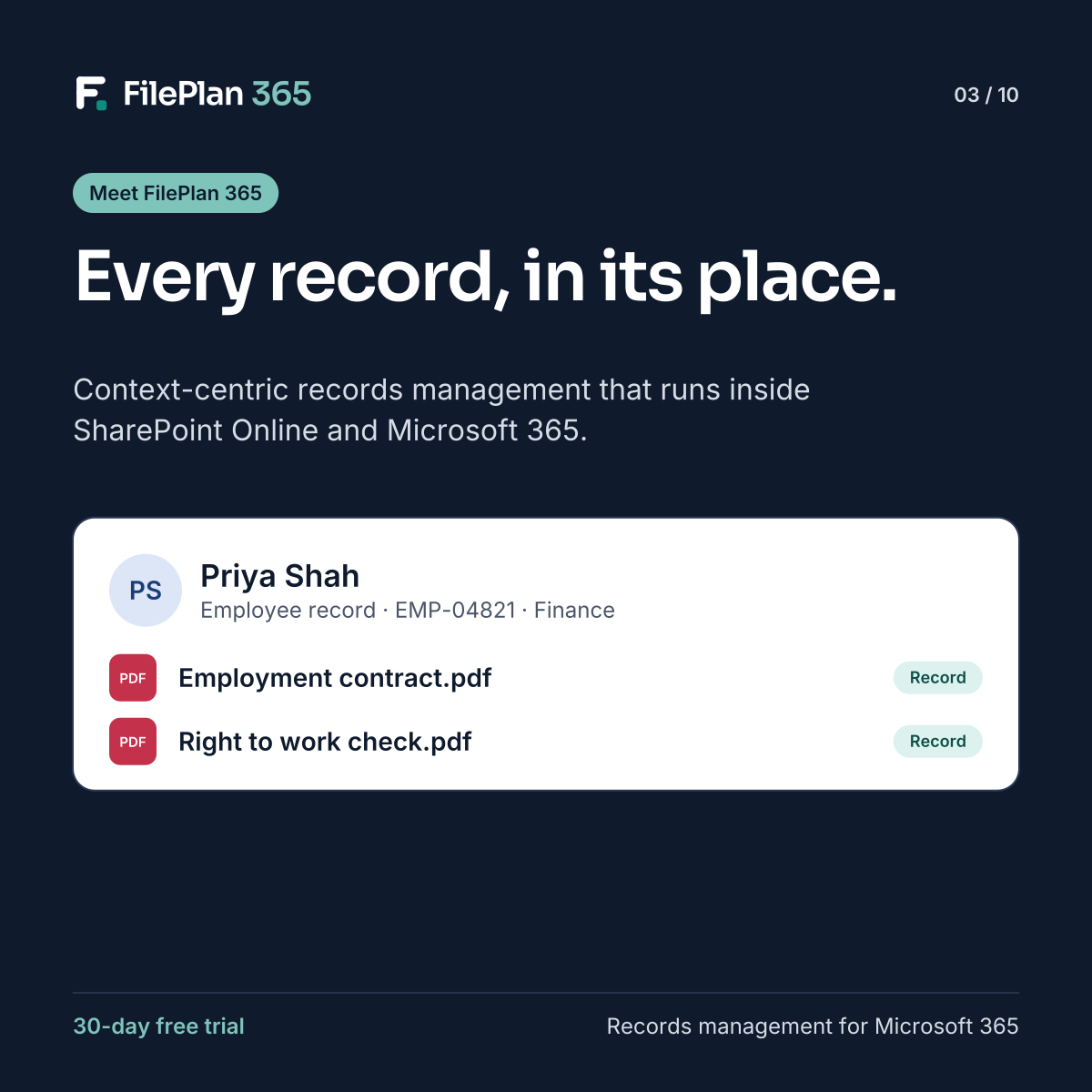
Today we’re introducing FilePlan 365, a records management add-in for SharePoint Online and Microsoft 365. It’s built on one simple idea: every document should belong to the record it’s about.
What FilePlan 365 does
FilePlan 365 adds a records layer to SharePoint. Instead of saving documents into folders, your teams file them to record contexts, such as an employee, a case, a tenancy, a matter or a project.
Each record context brings:
- One place for everything. Every document, email and related record about an employee or case, on one page.
- Automatic metadata. Documents inherit the record’s details, so nobody re-keys names, references or dates.
- A file plan. Numbered classifications that are the same for everyone, so documents always land in the right place.
- Compliance built in. Your Microsoft Purview retention labels, sensitivity labels and DLP policies are applied as documents are filed.
Built for Microsoft 365
FilePlan 365 runs inside SharePoint Online as a set of web parts. Your documents stay in your own Microsoft 365 tenant, people sign in with their existing accounts, and it works alongside SharePoint, Teams and Outlook.
There’s no separate system to host, no data to migrate out of Microsoft 365, and no new interface for people to learn.
Who it’s for
FilePlan 365 is for any organisation that manages records about people, places or cases: HR teams, councils, housing providers, legal teams, health and care providers, schools and colleges, and project-based businesses. Ready-made templates get each of them started quickly.
Try it for yourself
The best way to understand FilePlan 365 is to see your own records in it. Start a 30-day free trial, choose a template, and file your first documents by context.
Try FilePlan 365 free for 30 days
Every feature, in your own Microsoft 365 tenant.