
Many organisations have invested in Microsoft Purview. They’ve created retention labels, set up sensitivity labels and written data loss prevention (DLP) policies. But applying them consistently is another matter.
Labels often depend on users choosing the right one, or on rules set at the level of a whole site or library. The result is gaps: documents with no label, the wrong label, or protection that doesn’t match what the document actually is.
Map once, apply every time
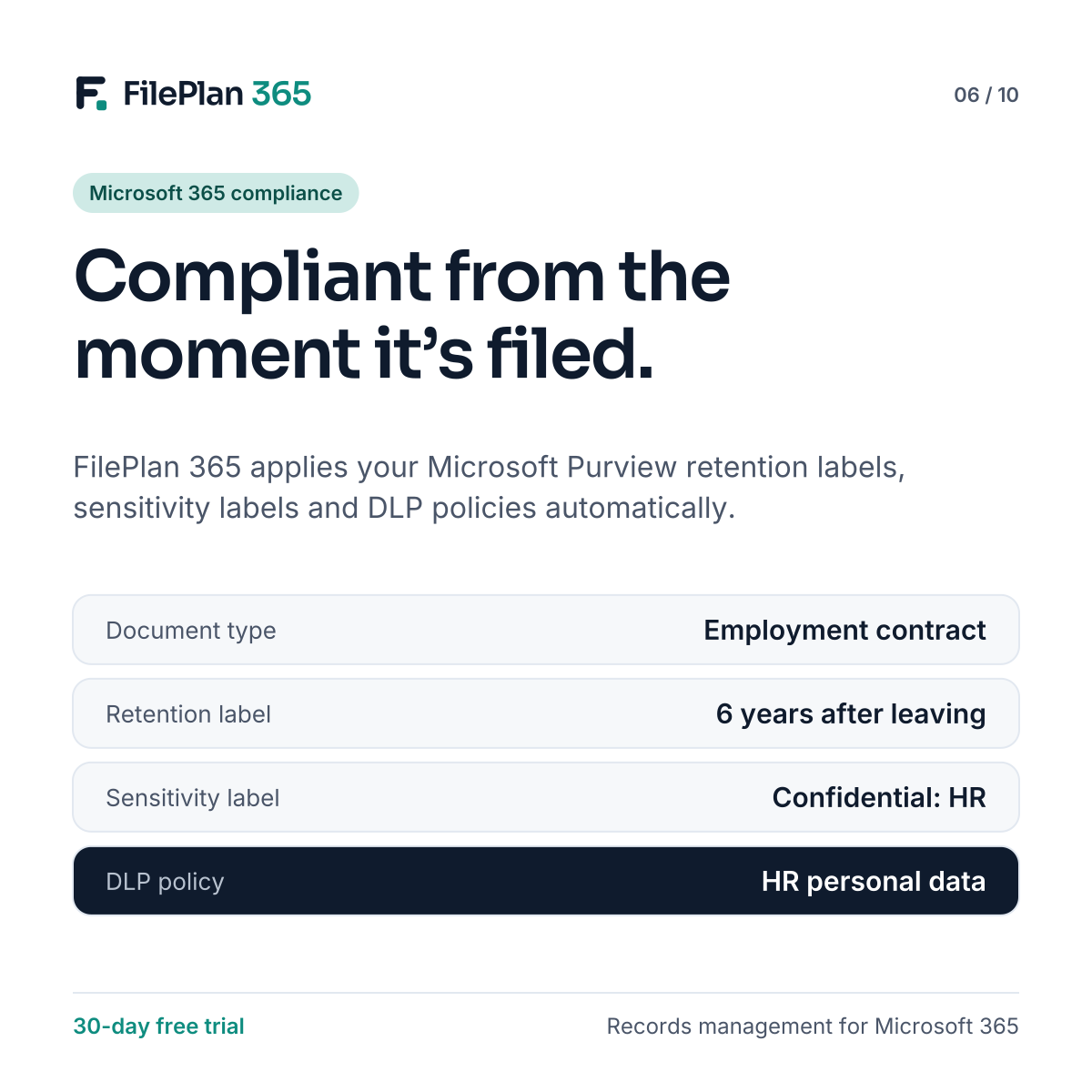
FilePlan 365 connects your Purview policies to your document types. You map each document type once. From then on, every document of that type gets the right labels the moment it’s filed.
| Document type | Retention label | Sensitivity label | DLP policy |
|---|---|---|---|
| Employment contract | HR: 6 years after leaving | Confidential: HR | HR personal data |
| Tenancy agreement | Housing: 6 years after tenancy ends | Confidential: Tenant | Housing personal data |
| Counsel’s opinion | Legal: 15 years after matter closes | Legally privileged | Privileged material |
These are example mappings. Use your own retention schedule and Purview configuration.
Retention that follows real events
The best retention starts when something happens, such as an employee leaving, a tenancy ending or a case closing. Because FilePlan 365 knows which record each document belongs to, it can start event-based retention for every document in that record at once.
Protection that matches the content
Sensitivity labels can be set by record type and document type, so employee relations files, health information or privileged advice are protected automatically. Your DLP policies stay in force, helping stop sensitive records being shared where they shouldn’t be.
Visible on every document
Users and records managers can see exactly which labels apply to each document, when retention will start and whether it’s been declared as a record. That makes compliance something you can show, not just something you hope for.
Try FilePlan 365 free for 30 days
Every feature, in your own Microsoft 365 tenant.