
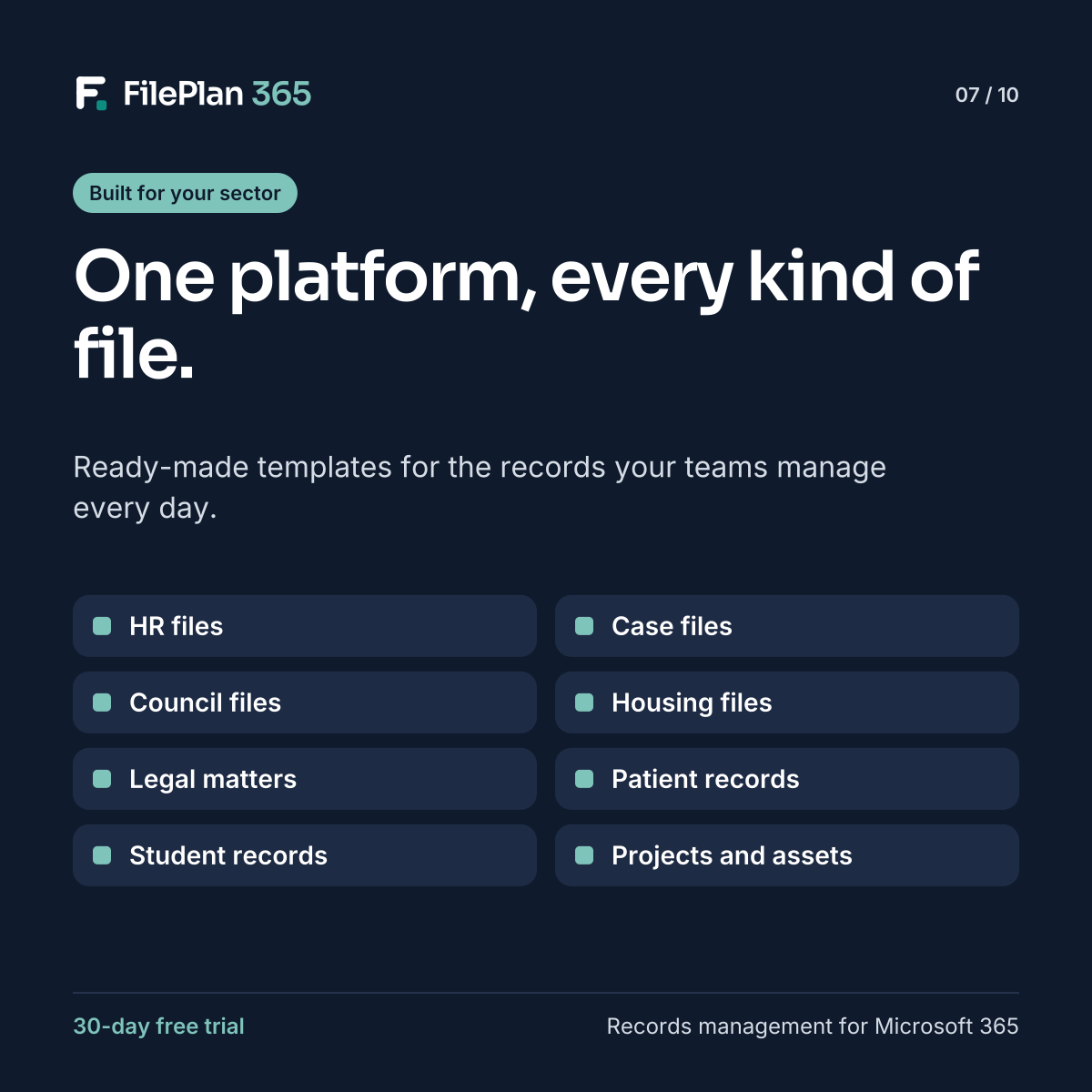
Every sector has its own records, but the underlying need is the same: keep documents with the person, place or case they belong to, and govern them properly. FilePlan 365 handles this with ready-made templates that you can adapt.
What a template includes
Each template gives you a working starting point:
- Record contexts, such as Employee or Tenancy, with their metadata fields
- A file plan of numbered classifications
- Document types for each classification
- Suggested Purview mappings for retention and sensitivity
You can change any part of it to match your own policies.
Templates by sector
| Template | Typical record contexts | Example documents |
|---|---|---|
| HR files | Employee, recruitment campaign, employee relations case | Contracts, right to work checks, appraisals |
| Case files | Case, customer, review | Complaint forms, evidence, final responses |
| Council files | Planning application, property, resident, licence | Plans, consultation responses, decision notices |
| Housing files | Tenancy, property, repair job, ASB case | Tenancy agreements, gas safety records, repair tickets |
| Legal matter files | Client, matter, contract | Engagement letters, drafts, counsel’s opinion |
| Patient and care records | Patient, staff member, service | Referrals, consent forms, care plans |
| Student records | Student, course, staff member | Enrolment forms, assessments, support plans |
| Project and asset files | Project, asset, subcontractor | Drawings, RFIs, O&M manuals, warranties |
Start from blank if you prefer
If none of the templates fit, you can start from a blank canvas and design your own record contexts, metadata, document types and file plan in the context designer.
Mix templates in one organisation
Many organisations need more than one. A housing association might use Housing files and HR files. A council might use Council files, Case files and HR files. Each runs in its own SharePoint site, with its own permissions, but all use the same approach.
Try FilePlan 365 free for 30 days
Every feature, in your own Microsoft 365 tenant.