
Traditional records systems often sit outside Microsoft 365. Documents get copied in and out, people learn a second interface, and IT supports another platform with its own security, backups and upgrades. Adoption suffers, and before long people go back to saving files wherever is easiest.
FilePlan 365 takes a different approach. It works inside the Microsoft 365 your organisation already uses.
Your documents stay in your tenant
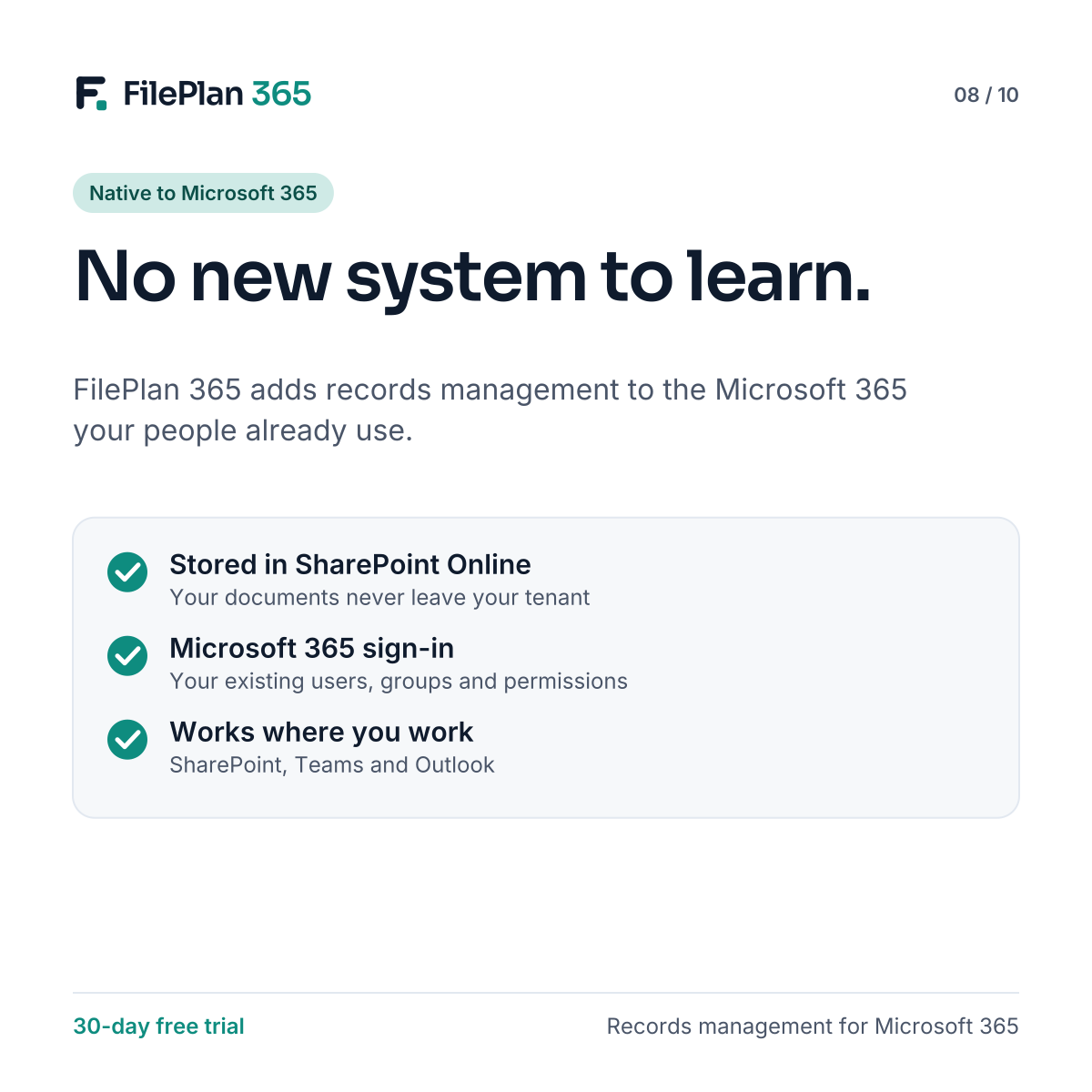
FilePlan 365 stores documents in SharePoint Online, in your own Microsoft 365 tenant. You keep control of where your data lives, and the security and compliance settings you’ve already configured continue to apply.
Familiar sign-in and permissions
People sign in with their existing Microsoft 365 accounts. Access is controlled with the users and groups you already manage, so there’s no separate user directory to maintain.
Works where people work
FilePlan 365 appears as web parts on modern SharePoint pages. Teams can add a records hub to a site, show a team’s records on an existing page, or pin a record into a Microsoft Teams channel. Documents can be filed from SharePoint and from Outlook.
Simpler for IT
Because FilePlan 365 is installed as a SharePoint add-in:
- there’s no separate server or database to host
- updates are delivered through the app
- admins manage it from familiar places, such as the SharePoint admin center
- permissions are approved once, through standard Microsoft 365 consent
Easier for everyone else
For most users, FilePlan 365 simply looks like a better way of working in SharePoint. They search for a record, open it and file documents to it. The structure is there, without a new system to learn.
Try FilePlan 365 free for 30 days
Every feature, in your own Microsoft 365 tenant.