
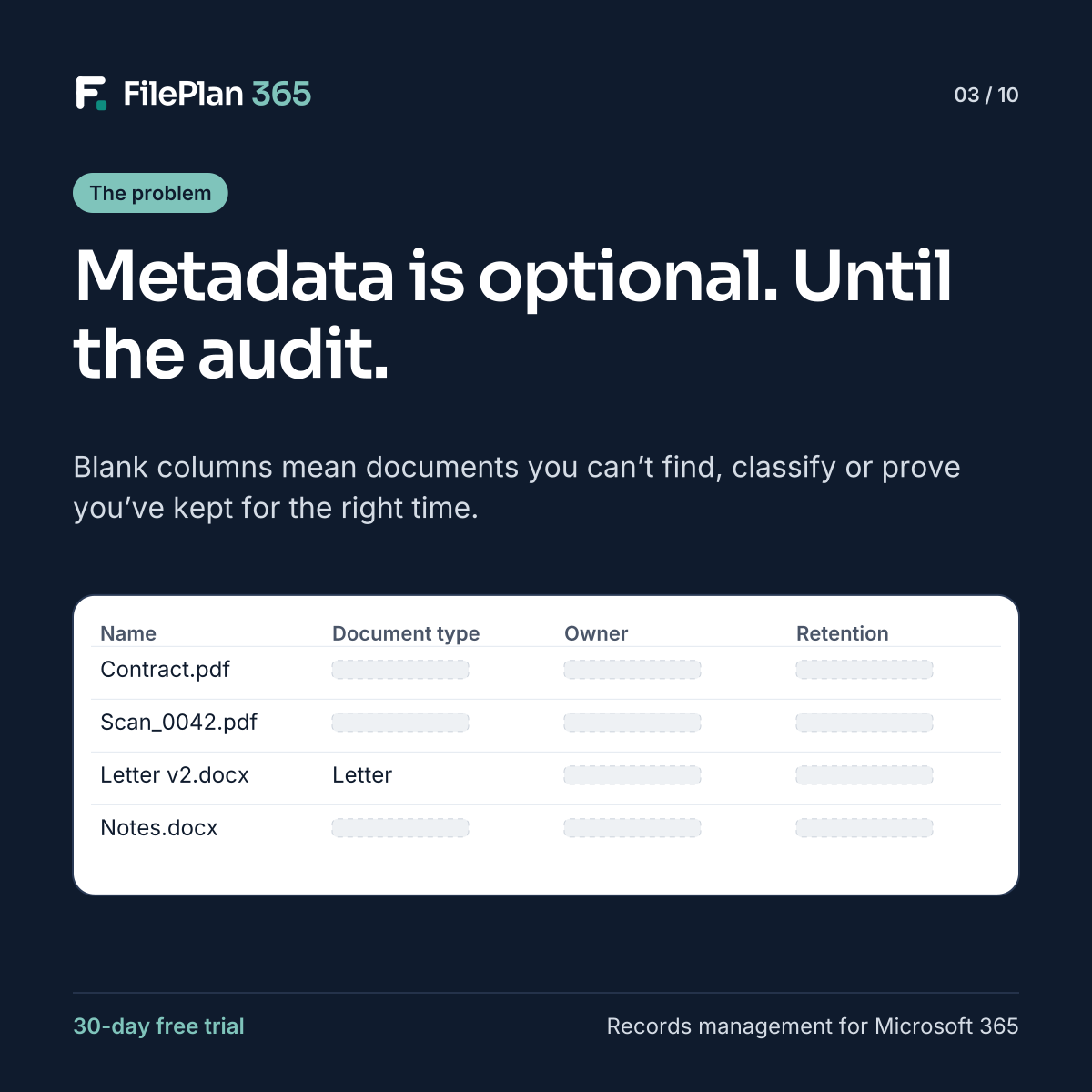
Most SharePoint libraries have sensible columns: document type, owner, date, retention. Look at the actual documents, though, and many of those columns are blank.
That’s not surprising. Filling in metadata is extra work at the moment someone just wants to save a file and move on. If nothing checks it, it gets skipped.
Why empty metadata is a problem
Metadata is what turns a file into a record. Without it:
- You can’t find things reliably. Search falls back to file names and content, which are inconsistent.
- You can’t classify. There’s no way to tell a contract from a letter or a draft from a final version.
- You can’t prove compliance. When an auditor asks how long you keep employee files, and how you know, blank columns don’t help.
- Automation breaks. Workflows, retention rules and reports all depend on metadata being there.
Mandatory fields aren’t the answer
Making columns required often makes things worse. People pick the first option in the list, type “x” or save files elsewhere to avoid the form. The data looks complete but can’t be trusted.
Let the record do the work
The better approach is metadata that people don’t have to enter. In FilePlan 365, when a document is filed to a record, it inherits that record’s details automatically: the employee’s name and ID, the tenancy reference, the property address, the case owner.
The document type sets the rest, including its classification, retention label and sensitivity label. All the user does is choose the record and confirm the type.
Complete by default
When metadata comes from the record instead of the person filing, it’s consistent, complete and accurate from day one. That makes search better, compliance provable and audits far less stressful.
Try FilePlan 365 free for 30 days
Every feature, in your own Microsoft 365 tenant.