
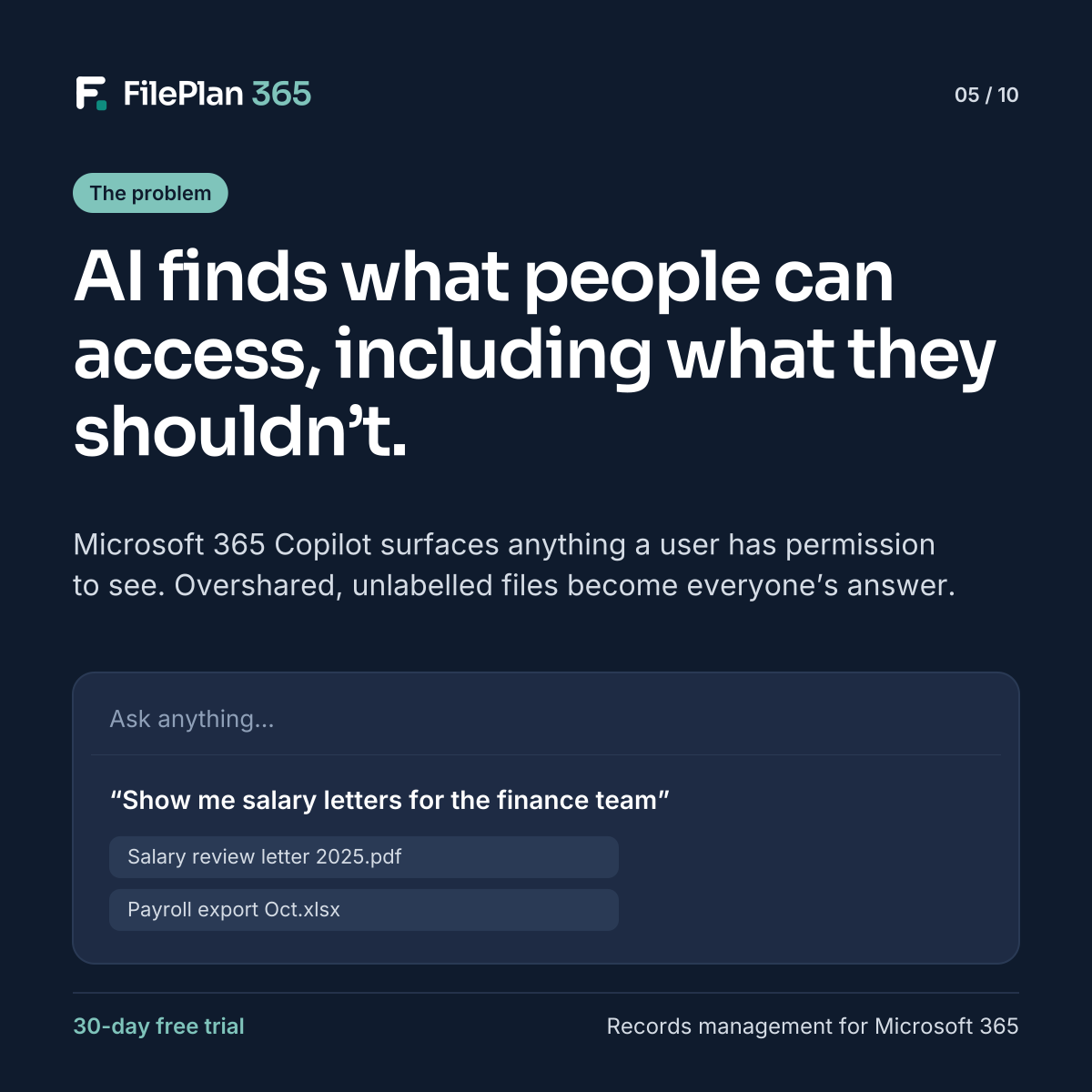
Microsoft 365 Copilot can summarise documents, answer questions and draft content using your organisation’s information. It’s a big opportunity. It also exposes a problem many organisations have lived with for years: oversharing.
Copilot uses what people can already access
Copilot works within each user’s existing permissions. It doesn’t give anyone access they didn’t already have. But it does make that access far easier to use.
If a salary letter, a set of case notes or an HR investigation is saved somewhere broadly shared, someone who never would have browsed to it could see it summarised in an answer. The permission problem was always there. AI just makes it visible.
Common causes of oversharing
- sites and libraries shared with “everyone” by default
- sensitive documents saved in general team sites
- links shared with whole organisations for convenience
- documents with no sensitivity label, so no extra protection applies
- old sites nobody owns, with permissions nobody has reviewed
What to do before rolling out Copilot
- Find your sensitive records. Know which record types hold personal, confidential or privileged information.
- Put them in governed places. Make sure sensitive records live where access is controlled by role, not left open.
- Label consistently. Apply sensitivity labels by record and document type, not by user choice.
- Keep DLP policies in force. Help stop sensitive content from being shared where it shouldn’t be.
- Review regularly. Structure is ongoing, not a one-off clean-up.
How FilePlan 365 helps
FilePlan 365 files sensitive documents to their records, in sites with the right permissions. Sensitivity labels and DLP policies are applied automatically by document type, and restricted classifications, such as employee relations, are only visible to the right teams.
With structure in place, AI tools can help people find what they should find, and keep away from what they shouldn’t.
Try FilePlan 365 free for 30 days
Every feature, in your own Microsoft 365 tenant.