
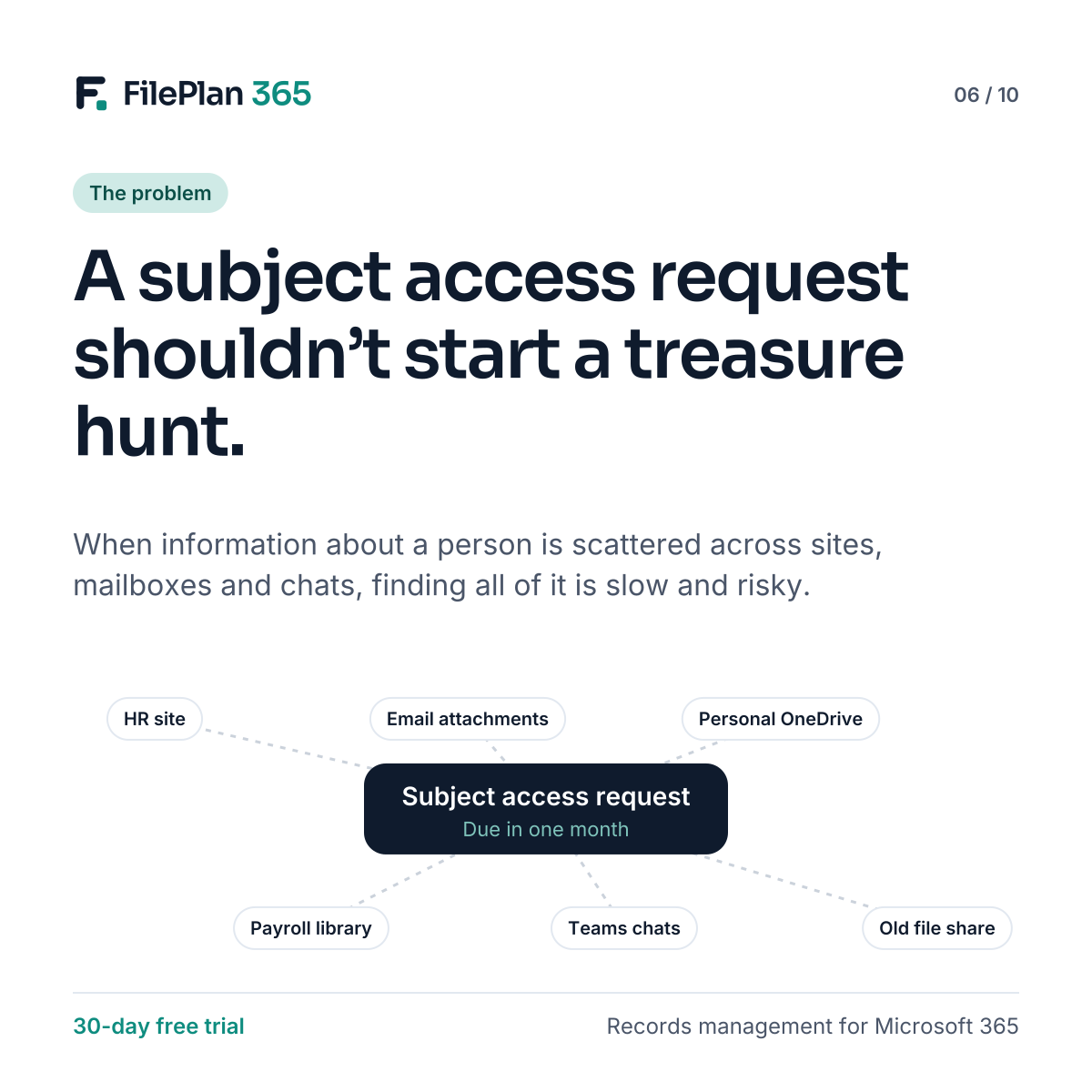
Under UK and EU data protection law, people have the right to ask for the personal information an organisation holds about them. In the UK, you normally have one month to respond, though this can be extended in some circumstances.
This is general information, not legal advice. Check current guidance from your regulator, such as the ICO.
For many organisations, the hard part isn’t the deadline. It’s finding everything.
Why subject access requests are so hard in unstructured SharePoint
Information about a single person can be spread across:
- an HR site and a payroll library
- email attachments saved in different places
- Microsoft Teams chats and channel files
- personal OneDrive folders
- old file shares migrated years ago
Each one needs searching separately. Search terms miss documents that don’t mention the person’s name in the title. And there’s always the worry that something has been missed.
The risks of getting it wrong
- Missing information, which can lead to complaints and regulatory action.
- Over-disclosure, sending information about other people by mistake.
- Wasted time, often from senior staff pulled away from their normal work.
Start from the record
When documents are filed to the person they’re about, a subject access request starts in one place: that person’s record. For an employee, a tenant or a service user, everything filed to their record is listed together, with its document type and classification.
FilePlan 365 can also search across linked records, such as a tenant’s property and repair jobs, so related information is easier to find. Restricted classifications are clearly marked, helping reviewers decide what to disclose and what to redact.
Faster, more complete, more defensible
Structure won’t remove every manual step, but it turns a treasure hunt into a checklist. And a complete audit trail shows what you searched, what you found and when.
Try FilePlan 365 free for 30 days
Every feature, in your own Microsoft 365 tenant.