
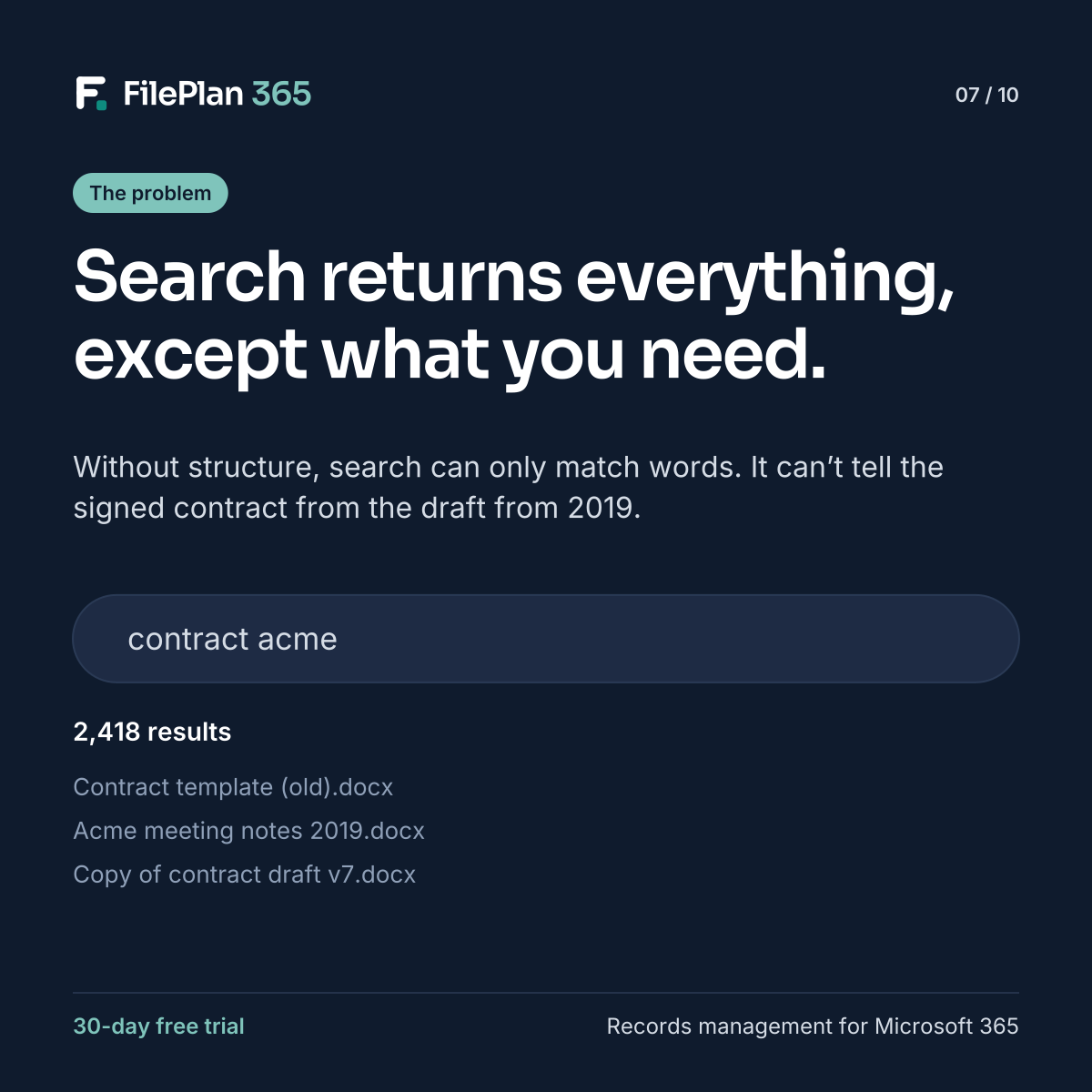
Type “contract acme” into SharePoint and you’ll probably get plenty of results. A contract template from years ago. Meeting notes that mention Acme. Draft seven of something. Somewhere in the list, maybe, the signed contract you actually need.
The search engine is working perfectly. It’s matching words. The problem is that words alone can’t tell it what matters.
What search can’t know without structure
Unless the information is stored with the document, search can’t tell:
- a signed record from a draft
- a current contract from one that expired
- which supplier, employee or case a document is about
- what type of document it is
- whether it’s the official copy or someone’s duplicate
So every result looks equally relevant, and people scroll, guess and open files one by one.
Structure makes search meaningful
When documents carry consistent metadata, search can filter on what people actually care about. In FilePlan 365, every document has:
- a record it belongs to
- a document type and classification
- a status, such as draft, final or declared record
- retention and sensitivity labels
- inherited details such as names, references and dates
That means you can search for “Acme”, filter to contracts, show only declared records, and get the signed contract first. Or skip searching documents entirely, open the Acme supplier record and see everything in one place.
Search by record, not just by word
Record context search finds the thing you’re looking for, such as the supplier, the person or the property, as you type. From there, every related document is already organised by the file plan.
Better search doesn’t start with a better search box. It starts with better structure.
Try FilePlan 365 free for 30 days
Every feature, in your own Microsoft 365 tenant.