
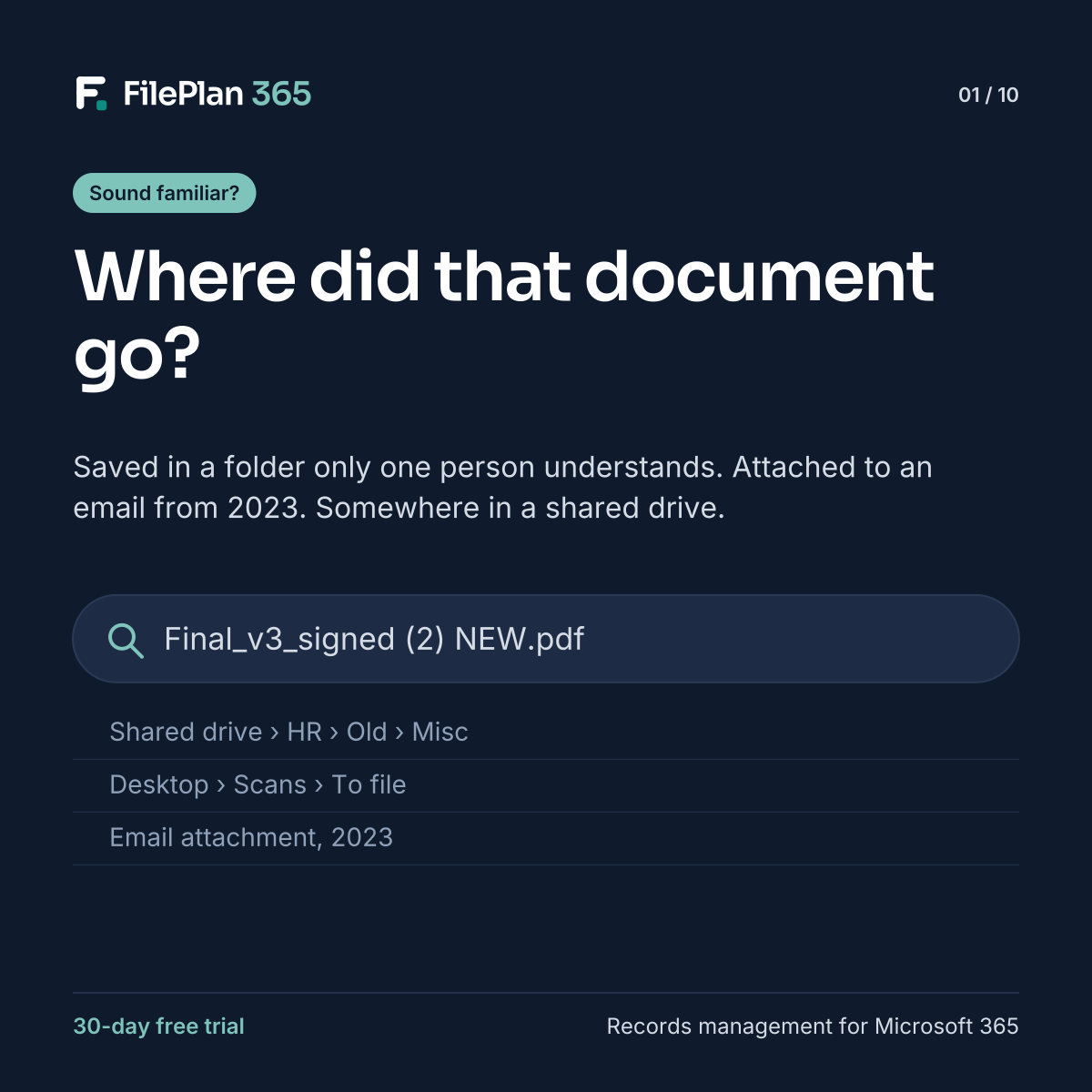
Everyone knows the feeling. You need the signed version of a contract, a tenancy agreement or an employee’s right to work check. You know it exists. Someone saved it. But where?
You try the obvious folder. Then the team site. Then a search that returns forty files with almost the same name. Eventually you message a colleague, who forwards an attachment from an email two years ago. Problem solved, until next time.
The real cost of a lost document
One lost file feels like a minor annoyance. Repeated across a whole organisation, it becomes something bigger:
- Time. Staff spend part of every week looking for information instead of using it.
- Duplicates. When people can’t find the official copy, they make a new one. Now there are two, and nobody knows which is right.
- Risk. Decisions get made on out-of-date versions. Sensitive files end up in the wrong place, shared with the wrong people.
- Compliance. When an auditor, regulator or data subject asks for something, you need to find it quickly and prove it’s complete.
It’s not a people problem
It’s tempting to blame users for poor filing. But most people are doing their best with a system that gives them no guidance. SharePoint lets you save anything, anywhere, in any folder you like. Every team invents its own structure, and every person interprets it slightly differently.
The result isn’t carelessness. It’s a structure problem.
What good looks like
In a well-organised records system, you don’t need to remember where something was saved. You go to the thing the document is about, such as the employee, the case or the property, and everything is there. Each document has a type, the right metadata and the right retention and protection.
That’s the idea behind FilePlan 365, context-centric records management for SharePoint Online and Microsoft 365. Over the next few posts, we’ll explain how it works and why it matters.
Try FilePlan 365 free for 30 days
Every feature, in your own Microsoft 365 tenant.
Leave a Reply